Roborock not charging – what to check?
The symptom “not charging” doesn't point to one single cause.
First switch off the device and carry out only the checks described in the manufacturer's manual. If the behaviour recurs, give us the model, the circumstances and any error code – we will assess whether a repair is needed.
Roborock: from symptom to the right repair
You are on the page for a specific symptom: Roborock not charging.
We don't repeat the whole brand page here. Below you can go back to the full Roborock robot vacuum repair service, choose another symptom or go straight to the request form with the brand and fault already filled in.
Full Roborock repair service
See the supported models, other faults and the full scope of repairs.
This symptom is already selected
The form on this page automatically sets the brand to Roborock and the symptom to Roborock not charging. Just enter the model and describe the circumstances in which the fault occurs.
What is happening with your Roborock device?
You don't need to know the cause. Choose the symptom that best describes how the device behaves. The same symptom can have several causes, so we confirm the final scope after checking the equipment.
How to recognise this fault
The robot sits on the dock but the battery level does not rise
Note when the symptom appears and whether the device finishes the cycle it started.
Charging stops
Note when the symptom appears and whether the device finishes the cycle it started.
What can cause this symptom?
Dirty or worn contacts
This is a possible cause, not a diagnosis without inspecting the device.
Faulty power adapter or dock
This is a possible cause, not a diagnosis without inspecting the device.
We confirm the final scope after checking the equipment.
What can you check safely before sending it?
Switch off the device and disconnect it from the power supply. Check the user-serviceable parts and that they are correctly fitted. Clean accessible sensors, filters, nozzles or contacts only in line with the manufacturer's instructions. Do not open the housing or bypass safety features.
How do we check a Roborock device?
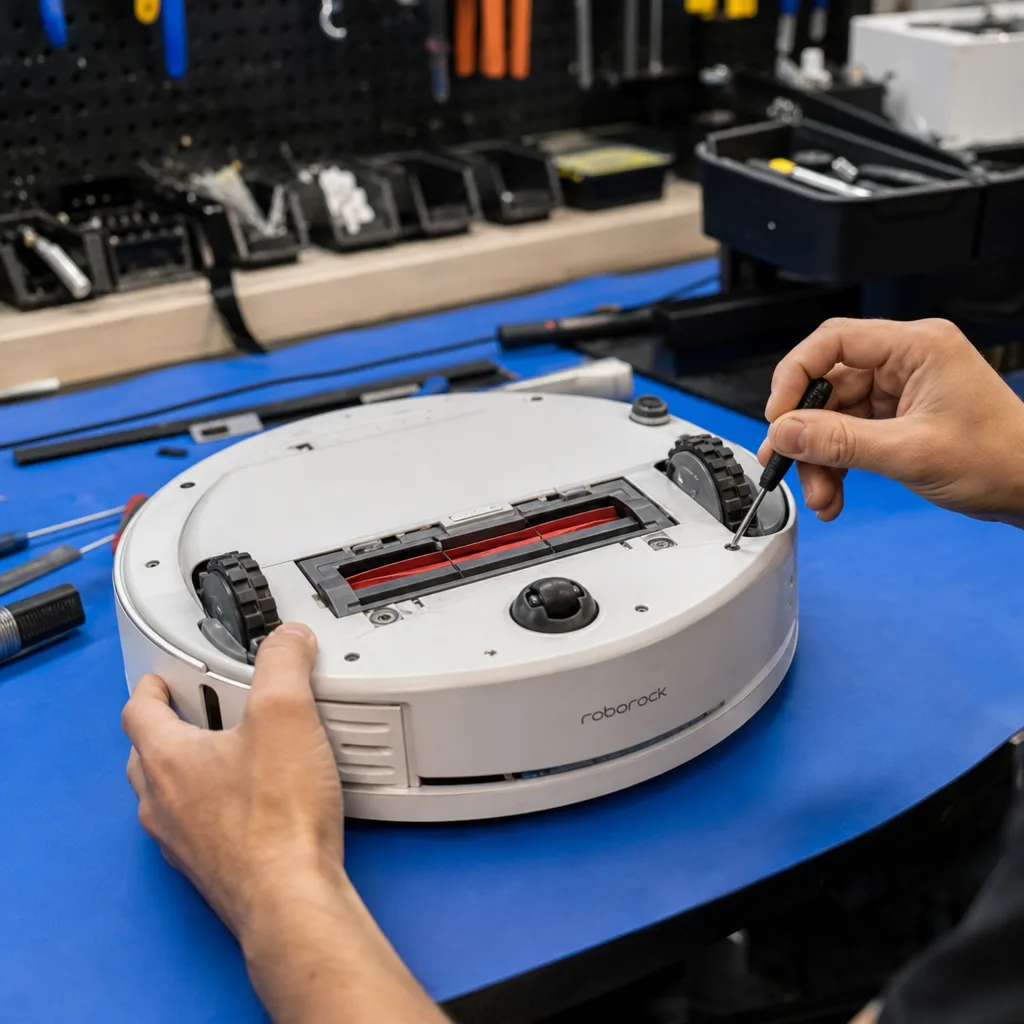
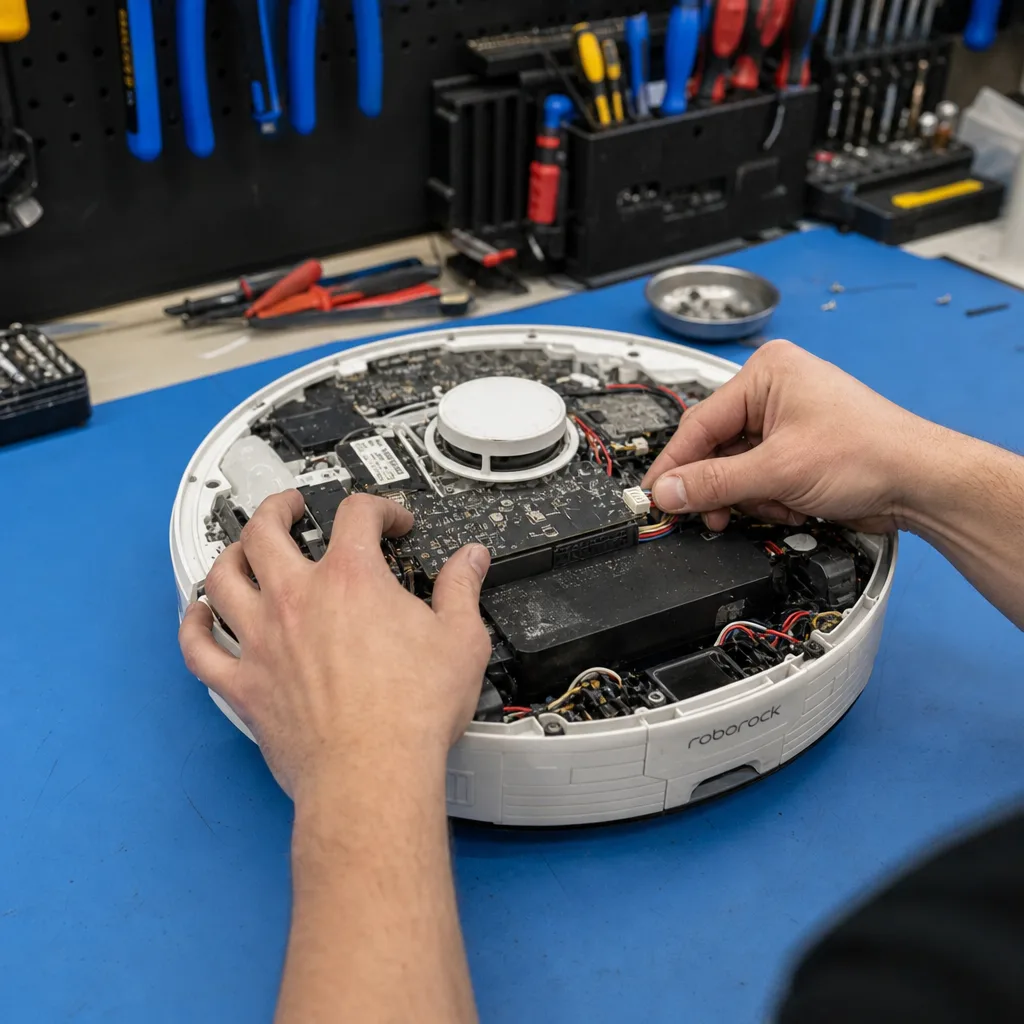
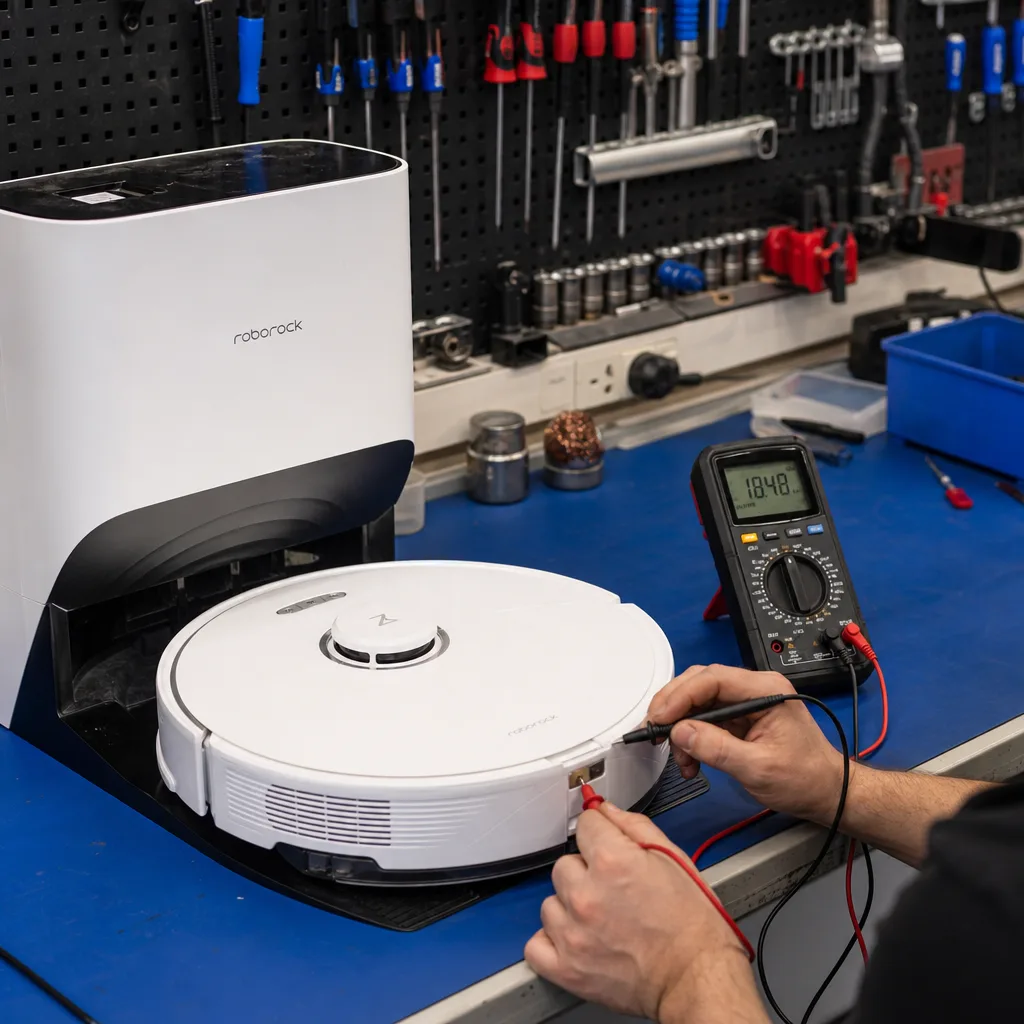
The technician reproduces the reported symptom, checks the related systems and compares the result with a correct operating cycle. We only repair a part confirmed by measurement or testing. After the work, we test the function that caused the symptom and carry out a final check.
Navigation and sensors
We check the LiDAR or camera, cliff sensors, bumper and how the robot interprets its surroundings.
Drive and brushes
We check the wheels, brush motors, gears and current draw.
Mopping
We assess the tank, pump, valves, water dosing and how they work with the mop module.
Battery and base
We check charging, contacts, the battery, the base power supply and returning to the station.
Roborock repair
in 3 simple steps
Simple, predictable and stress-free. You know what is happening at every stage.
You submit a request in 90 seconds
You choose the device, model and symptoms. You receive an initial quote. Once you accept it, we prepare a prepaid labeland book an insured courier.
You make an informed decision
The technician checks the device. If the scope matches the accepted quote, we go ahead with the repair. We contact you if the scope or cost needs to change.
You receive a working device
After the repair, we carry out quality control, a final test and basic cleaning. Once you have paid, we send the device back by insured shipment.
Clear rules mean peace of mind
First you know. Then you decide. The Clear Rules Guarantee is based on six specific rules, so from the start you know the costs, the scope of service and the next stages of the repair.

Initial quote: 0 zł
before shipping. We estimate the cost based on your request.

Courier pickup: 0 zł
Insured shipment. You just pack. We take care of the rest

Diagnosis: 0 zł
with a repair. Only if you decline, or in case of water damage/power surge: 150 zł.

No prepayment
You pay after the service is done. You know the cost and then accept the quote.
Return shipping
insured: 25 zł (up to 1500 zł) or 45 zł (up to 5000 zł)

Warranty
Up to 12 months for private customers, 6 months on batteries and for businesses(12 months for a repair with parts replacement, 6 months with a VAT invoice (NIP), 3 months without parts replacement)
Check your specific case
Describe the device and the symptoms you have noticed. Based on this, we will prepare an initial assessment and an approximate cost range. If the repair makes sense, you decide whether to go ahead. If not, we will tell you straight.
Submitting a request takes about 90 seconds and does not commit you to a repair. We only start the repair once you approve it.
Our experience and responsibility
For more than 10 years, we have been repairing devices for customers from anywhere in Poland. We combine our technicians' experience with a clear process – you know what is happening at every stage. We don't repair at any cost. We assess the facts first, then recommend a repair, further tests or not going ahead.
10+ years
of experience. We have been building our repair knowledge and practice continuously since 2014.
Over 55,000
devices repaired. Every day we restore devices from anywhere in Poland to working order.
99,09%
success rate. Our technicians have an average of 7 years' experience and full SEP certification.
Customer reviews after Roborock robot vacuum repairs
See how customers rate the quality of the repair, communication and turnaround time.
A longer life for your Roborock device.Less e-waste.
A robot vacuum combines mechanics, electronics and software, so replacing the whole device because of one module is often unnecessary.
First, we establish which system is responsible for the symptom and whether repairing it is reasonable. If a repair is unlikely to give a lasting result, we will tell you before extending the work.

Frequently asked questions: Roborock not charging
We have gathered the key information about our process to give you the full picture.
No. The same symptom can have several causes. That is why the model, the circumstances in which it occurs and a check of the device are needed before a repair.
Only the parts described in the manufacturer's manual as user-accessible. Do not open the housing, bypass safety features or take measurements on live parts.
No. First you receive an initial assessment and an approximate cost range. We start the repair once you approve it.
Usually 2–5 business days from receipt of the device, unless parts availability requires a longer lead time.
Yes. Once you accept the initial quote, we arrange and pay for an insured pickup to the repair service.
Yes. It covers the service carried out and the parts listed in the accepted scope of work, in line with the current terms.
Request a repair with no obligation
You choose the model and symptoms. You receive an initial quote and the available options. You decide, and we take care of the rest.
The request is free and does not commit you to a repair.
How can we help you?
We are here for you. Choose how you would like to contact us.