Coffee machine stopped working? What to do
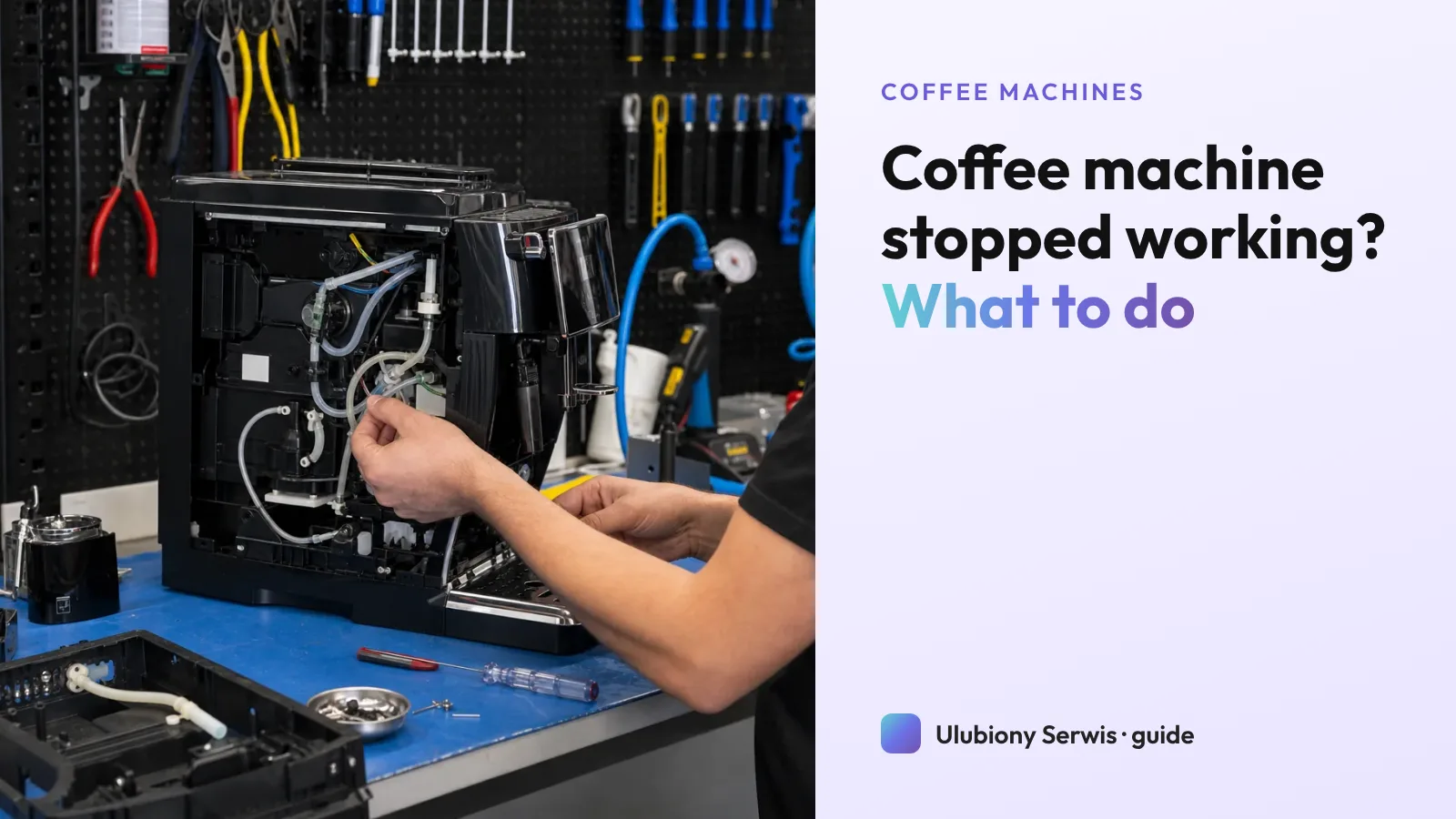
When your coffee machine stops working, it can be frustrating, especially if coffee is an essential part of your morning. Find out what steps to take to diagnose and fix your coffee machine, and how to prevent problems in the future.
Why does a coffee machine stop working?
Understanding why a coffee machine stops working is key to solving the problem quickly and effectively. Below are the most common causes of breakdowns:
1. Power problems
The problem often lies in the power supply. Make sure the machine is correctly plugged into the socket and that the socket works properly. You can also check whether the power cable is damaged.
2. Clogged filters
Clogged filters are another common cause of coffee machine problems. Cleaning and replacing filters regularly can prevent many breakdowns.
3. Pump problems
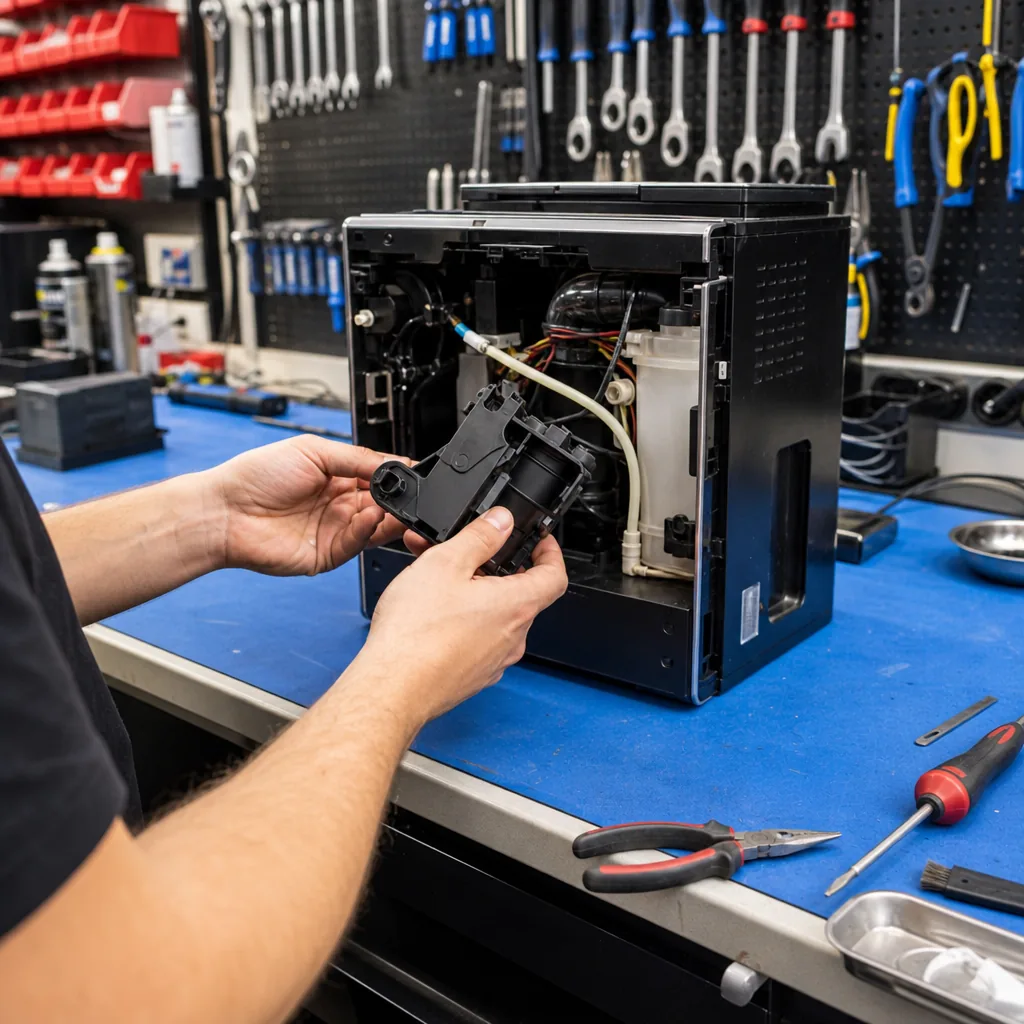
The pump is responsible for pumping water through the machine. If the pump is damaged, the machine may not work properly. Sometimes cleaning the pump is enough, but in other cases it may need replacing.
4. Mechanical damage
A coffee machine has many moving parts that can wear out over time. Check that all parts are working properly and that there is no visible mechanical damage.
How to diagnose the problem
To diagnose a problem with your coffee machine, follow the steps below:
1. Check the power supply
The first step is to check that the coffee machine is properly connected to the mains. Make sure the socket works by plugging in another device. If that doesn't help, the problem may lie in the power cable or the machine itself.
2. Read the user manual
Reading the machine's user manual can give you valuable information about diagnosing problems. Many manuals include a "troubleshooting" section that can help you identify and fix minor faults.
3. Clean the machine
Cleaning the coffee machine can solve many problems. Focus on cleaning the filters, the pump and other moving parts. Regular cleaning prevents deposits from building up and interfering with how the machine works.
4. Test different settings
Try changing the machine's settings to see whether the problem is linked to a particular mode. Sometimes small changes to the settings can solve the problem.
How to fix a coffee machine
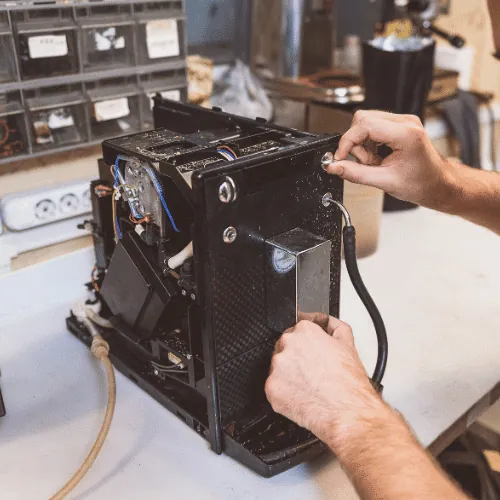
Once you have diagnosed the problem, you can start fixing it. Below are detailed instructions for the most common faults:
1. Fixing power problems
If the problem lies in the power supply, check the power cable for damage. If the cable is damaged, it may need replacing. Make sure the plug is correctly inserted and the socket works properly.
2. Cleaning clogged filters
Clogged filters can cause many problems with a coffee machine. To clean them, remove the filter from the machine and rinse it under running water. If the filter is very dirty, you can soak it in a solution of vinegar and water for a few hours and then rinse it thoroughly.
3. Replacing or repairing the pump
If the problem lies in the pump, you can try cleaning it. To do this, remove the pump from the machine and clear away any dirt. If that doesn't help, the pump may need replacing with a new one. Check the user manual to find out how to replace the pump in your model.
4. Repairing mechanical damage
Mechanical damage may require more complicated repairs. Check that all parts are in place and working properly. If you find a damaged part, it may need replacing. In some cases, you may need to contact a technical repair service.
How to prevent future problems with your coffee machine
Preventing problems with your coffee machine is key to avoiding future breakdowns. Here are some tips on looking after your machine:
1. Regular cleaning
Regular cleaning is key to preventing the build-up of deposits and dirt that can interfere with how the machine works. Make sure you clean all parts of the machine, including the filters, the pump and the water tank.
2. Replacing filters
Replacing filters regularly is essential for the machine to work properly. Follow the manufacturer's recommendations on how often to replace them.
3. Using the right water
The quality of the water you use in the machine matters a great deal. Use filtered water to avoid mineral deposits that can damage the machine.
4. Regular technical check-ups
Regular technical check-ups at an authorised service centre can help detect and fix minor problems before they turn into serious faults.
What if a repair isn't possible?
If all attempts at repair have failed, you may need to consider buying a new coffee machine. Here are some tips on choosing a new one:
1. Set a budget
Think about how much you are willing to spend on a new machine. There are many models available in different price ranges, so you are sure to find something that suits you.
2. Choose the right model
Think about your needs and expectations for the new machine. Do you prefer an espresso machine, a filter coffee maker or perhaps a capsule machine? Choose the model that best matches your preferences.
3. Check opinions and reviews
Before buying a new machine, check other users' opinions and reviews. You can also consult experts to find out which model will be best for you.
When your coffee machine stops working, don't panic. Follow the tips above to diagnose and fix the problem. Regular cleaning and maintenance can prevent many problems, and if a repair isn't possible, consider buying a new machine that meets your expectations.