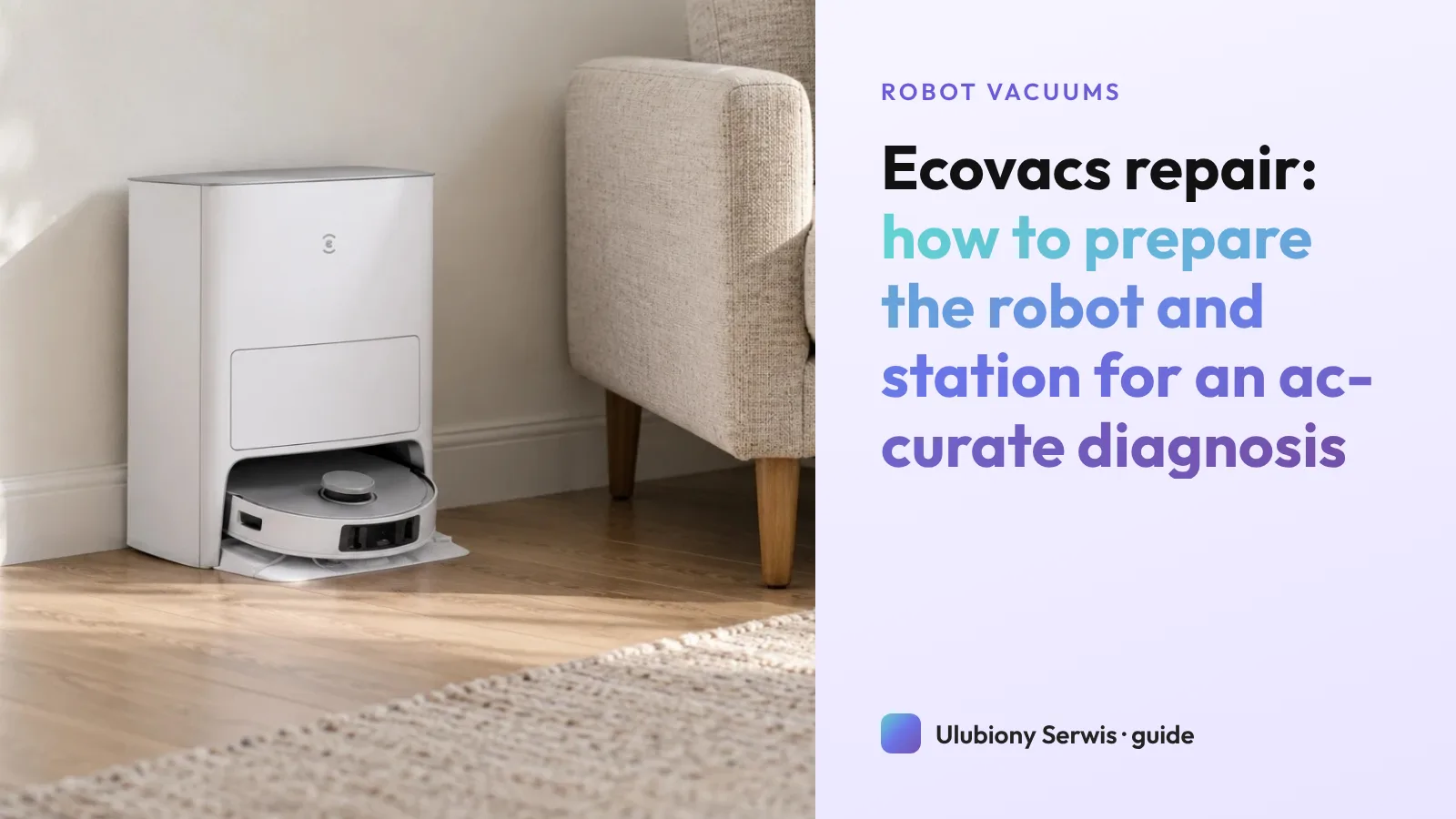
Ecovacs repair: how to prepare the robot and station for an accurate diagnosis
The short answer
IN SHORT An Ecovacs repair needs information about the exact robot model, the station version and the function that is failing. If the problem occurs while returning, charging, emptying or handling water, the robot alone may not be enough for a diagnosis. Users should limit themselves to checking the settings and user-serviceable parts. Water damage, overheating or a damaged battery mean you should stop using it immediately.
What the user sees
Record the sequence from starting the function to the error. With sets that include a station, the moment of docking and how both devices react are also important.
- the robot can't find the station or doesn't finish docking;
- charging doesn't start even though the station is positioned correctly;
- the station doesn't empty the dust bin or doesn't handle water;
- the robot doesn't recognise the mopping module;
- the app shows a recurring message during one function.
What you can safely check
- photograph the rating plates on the robot and the station;
- check the power supply and that the tanks and user-serviceable parts are seated correctly;
- note down the settings and the text of the message;
- empty the water before transport and secure any moving parts.
What could be the cause
The symptom may come from the robot, the station or the way they work together. The diagnosis should separate these three areas.
- configuration or a part not being recognised;
- a problem with docking, contacts or power supply;
- a mechanical or hydraulic blockage;
- a fault in a sensor, pump, drive or fan;
- a problem with the electronics or communication.
When to stop using it
SAFETY Don't run the set if electrical parts have got wet, if you smell burning, the battery is swelling or the station is overheating. Don't dry the inside with hot air.
Does a repair make sense?
It's worth repairing a complete set when there is a single fault and the other functions pass the test. Several independent problems with the robot and the station require one combined quote.
DECISION RULE We compare the full cost with a device with similar functions. A single confirmed fault and the good condition of the other assemblies speak in favour of a repair; several independent faults require further assessment.
How the repair works
- confirming the model and the required parts of the set;
- reproducing the function in the customer's configuration;
- separate tests of the robot, the station and communication;
- a full final cycle with the result documented.
What to include in your request
- the full model from the rating plate and, where applicable, the designation of the station, power adapter or accessory;
- a description of when the main symptom occurs: the robot can't find the station or doesn't finish docking;
- a short video of the whole scenario, a photo of the message and of the parts needed to reproduce the fault;
- whether the symptom is constant or intermittent, and what happened immediately before it appeared;
- the history of previous repairs, water damage, power surges, drops or use of an incompatible accessory.
FAQ
Is the Ecovacs station always needed?
Not for every fault. It is needed when the symptom concerns charging, docking, emptying, water or communication.
Should I leave water in the tanks before shipping?
No. The tanks must be emptied, dried and secured according to the transport instructions.
Can the error be diagnosed from a screenshot of the app alone?
A screenshot helps, but a full diagnosis requires reproducing the behaviour of the specific set.
Next step
Give us the full Ecovacs model names and the name of the function that has stopped working. We'll confirm which parts need to be prepared for shipping.