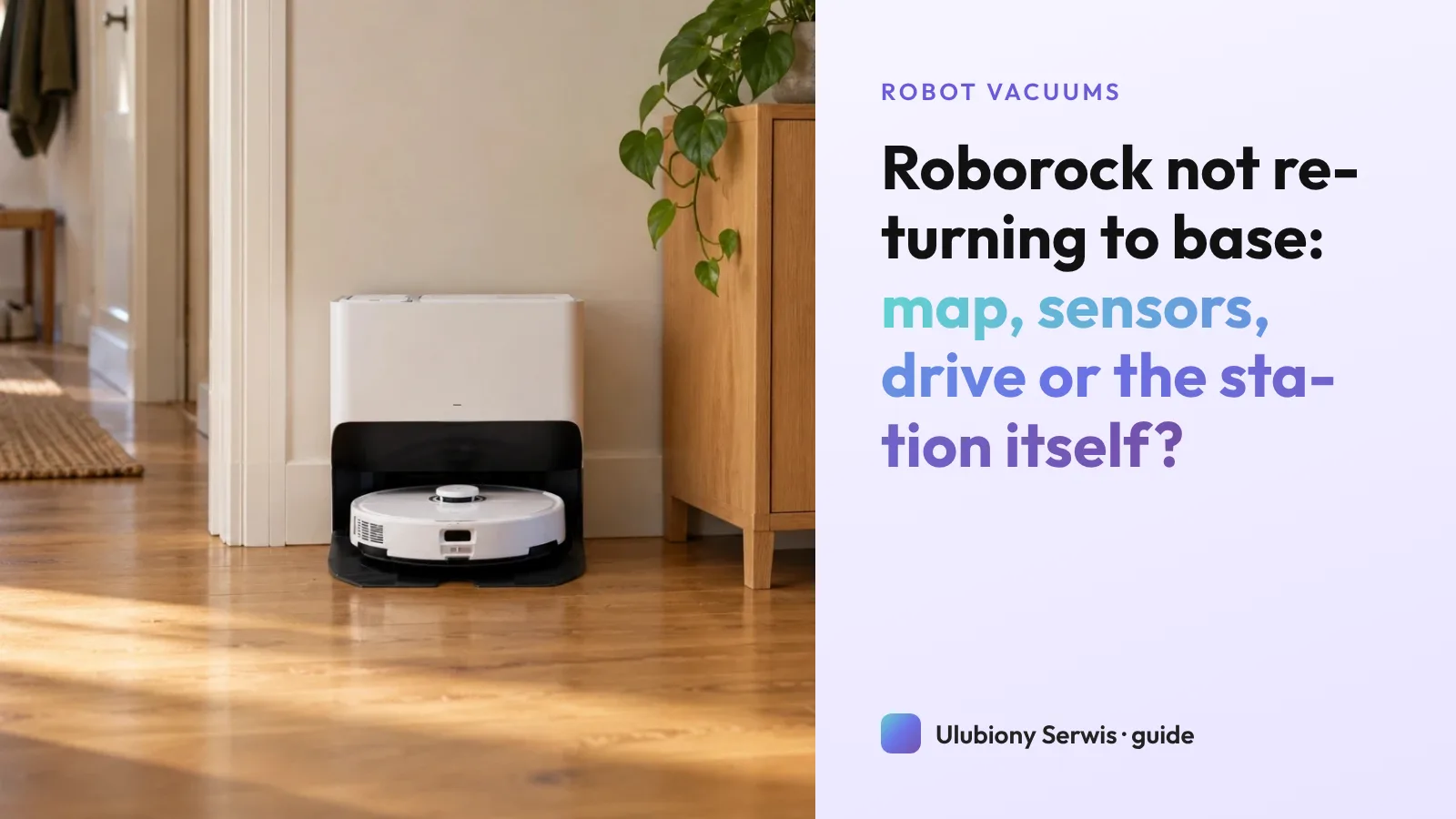
Roborock not returning to base: map, sensors, drive or the station itself?
The short answer
IN SHORT If a Roborock is not returning to its dock, first establish whether it cannot find the dock, reaches it and drives away, or docks correctly but does not charge. These behaviours lead to different tests. You can safely check the station's position, its surroundings, the accessible sensors and the condition of the contacts. Dismantling the laser, battery or station should be left to a technician.
What the user sees
Record the last minute of the return. The route and the moment the robot gives up often show whether it has a problem with location, movement, detecting the station or power.
- the robot circles near the dock but does not detect it;
- it reaches the station, touches it and drives away;
- it stops on the way or one wheel runs unevenly;
- it docks correctly, but charging does not start;
- the problem appeared after moving the station or changing the map.
What you can safely check
- position the dock according to the space requirements described in the manual;
- remove obstacles and check that the station has power;
- clean the accessible sensors and contacts using the dry method recommended by the manufacturer;
- note whether the robot cannot find the dock, does not dock or does not charge.
What could be the cause
Returning to the station is a multi-stage process. The test should separate the map and sensors from the drive mechanics and the charging path.
- incorrect positioning of the station or no power to it;
- a map or location data error;
- a dirty or faulty sensor;
- uneven operation of a wheel or drive;
- a problem with dock detection, the contacts or the charging electronics.
When to stop using it
SAFETY Stop trying if the robot hits things with great force, one wheel locks, the contacts get hot or there is a smell of overheating. Do not short the contacts and do not use a random power adapter.
Does a repair make sense?
If the robot cleans and navigates correctly, a single docking fault can be a repair with good prospects. If it also loses the map, has a worn drive and a weak battery, the scope needs to be assessed as a whole.
DECISION RULE We compare the full cost with a device with similar functions. A single confirmed fault and the good condition of the other assemblies speak in favour of a repair; several independent faults require further assessment.
How the repair works
- return test on the current map in a controlled environment;
- check of the route, sensors and station detection;
- separate test of docking and the start of charging;
- repeat of the full scenario after the repair.
What to include in your request
- the full model from the rating plate and, where applicable, the designation of the station, power adapter or accessory;
- a description of when the main symptom occurs: the robot circles near the dock but does not detect it;
- a short video of the whole scenario, a photo of the message and of the parts needed to reproduce the fault;
- whether the symptom is constant or intermittent, and what happened immediately before it appeared;
- the history of previous repairs, water damage, power surges, drops or use of an incompatible accessory.
FAQ
Does deleting the map always help?
No. It only makes sense for a data or configuration problem, and it deletes saved settings. It will not fix a wheel, a sensor or the station.
Does the dock have to go to the repair service?
Yes, if the robot reaches it but does not detect it, does not dock or does not charge. The robot alone may not be enough to reproduce the symptom.
Why does the robot return when placed by hand near the dock?
A short distance may bypass part of the navigation problem. A full test should start from the place where the fault occurs.
From repair request to a checked device
Submitting a repair request doesn't commit you to a repair. Based on the model and the description of the symptoms, we prepare an initial assessment and an approximate cost range. Once you accept the quote, we arrange a prepaid, insured pickup of the device to our repair service.
The technician reproduces the symptom and compares the device's behaviour with a correct cycle. We confirm the scope of the repair with a test or measurement. If the scope or cost needs to change, we contact you before going ahead. After the work, we check again the function that was causing the problem and carry out a final inspection.
Timing, costs and warranty
Most repairs take 2–5 business days from when we receive the device; parts availability can extend this. The initial quote and pickup to our repair service after you accept it cost 0 zł. The diagnosis is free if you go ahead with the repair; if you cancel, or in cases of water damage or a power surge, a fee of 150 zł applies.
Return shipping costs 25 zł with insurance up to 1500 zł or 45 zł with cover up to 5000 zł. The warranty covers the service performed and the parts listed in the approved scope: up to 12 months for individual customers and 6 months for batteries and for businesses. Details are set out in the warranty and insurance terms and the safe transport rules.
You pay for the service once it has been carried out. After payment, we send the device back as an insured shipment.
You will find the full range of supported models and other faults on the Roborock repair page. When reporting this case, give the model and the symptoms described in this guide.
Next step
Record the moment of return and tell us whether your Roborock cannot find the dock, does not dock or does not charge. We will confirm whether the station is needed for the diagnosis.