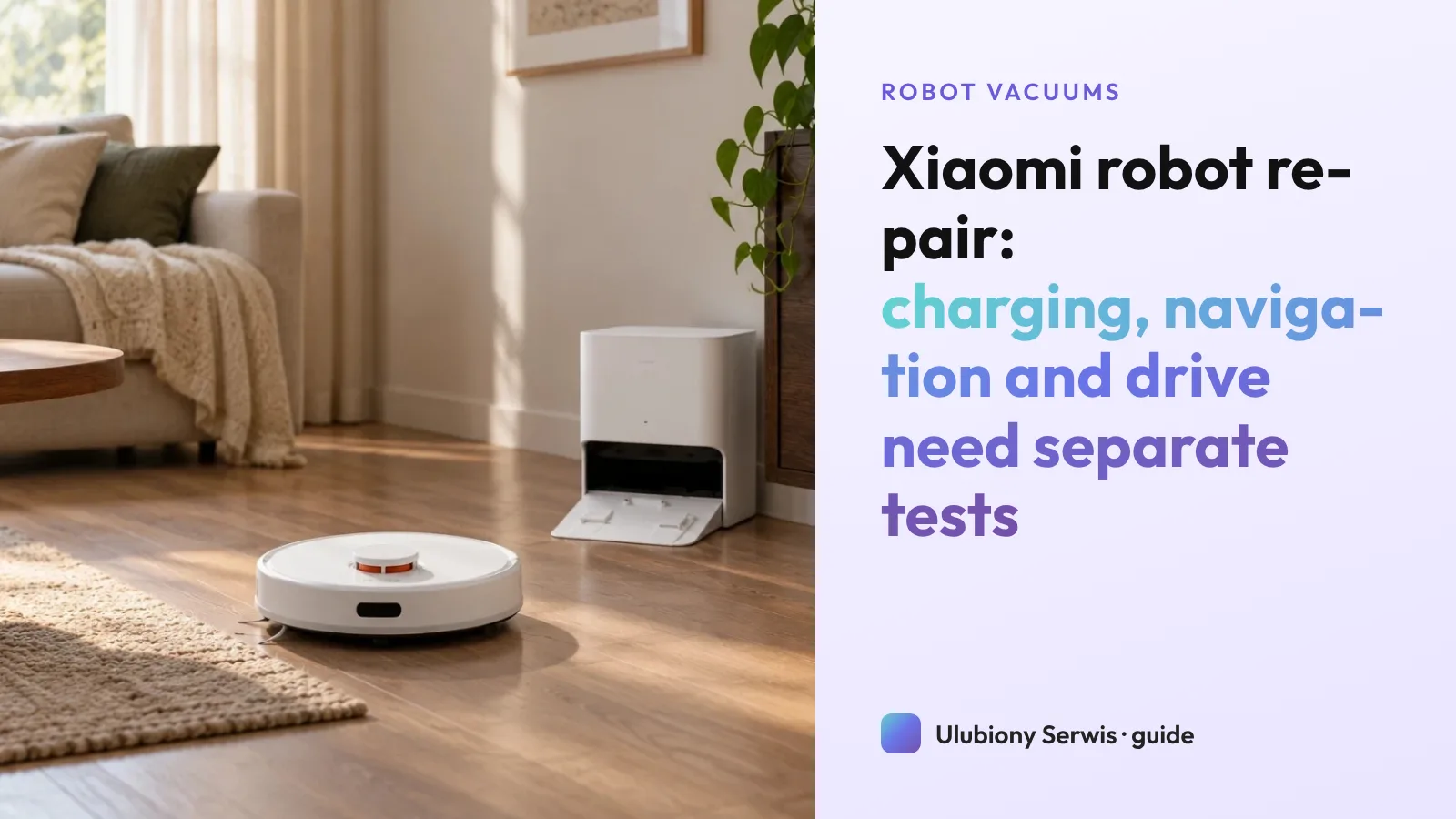
Xiaomi robot repair: charging, navigation and drive need separate tests
The short answer
IN BRIEF With a Xiaomi robot, the name shown in the app or on the casing may not be enough for assessment. The full model and the station designation determine the parts and procedure. No charging, a map problem and uneven driving should not be combined into one diagnosis. Each symptom is reproduced first, and then we assess whether they share a cause or have separate ones.
What the user sees
Note the device name from the rating plate, the station version and the app you use. This reduces the risk of confusing similarly named models.
- the robot does not charge even though it is on the base;
- it loses the map, does not recognise rooms or moves erratically;
- one wheel works more weakly or the device veers to one side;
- the brush or fan motor does not start;
- the mop stays dry even though the function is on.
What you can safely check
- photograph the rating plate of the robot and station;
- check the area around the base, the contacts and accessible sensors;
- confirm the app settings and the message shown;
- record one repeatable symptom without performing a series of resets.
What could be the cause
Different platforms use different solutions, so this article does not assign one part to the whole brand. A repair service should work with the full model designation.
- a configuration or map data problem;
- a blocked or worn drive;
- a fault in the battery, station or charging circuit;
- a problem with a sensor or the navigation module;
- a fault in the electronics or the water system.
When to stop using it
SAFETY After liquid damage, battery overheating, deformation of the casing or a chemical smell, do not switch on or charge the robot. Do not use a charger with random specifications.
Does a repair make sense?
A repair is easier to assess when the full model is known and the fault concerns one path. With several symptoms, a combined quote and an assessment of parts availability for the specific platform are needed.
DECISION RULE We compare the full cost with a device with similar functions. A single confirmed fault and the good condition of the other assemblies speak in favour of a repair; several independent faults require further assessment.
How the repair works
- confirmation of the robot and station model;
- reproduction of the symptom in the correct configuration;
- a test of the mechanical system, power supply or navigation;
- a final check in a scenario that matches the reported problem.
What to include in your request
- the full model from the rating plate and, where applicable, the designation of the station, power adapter or accessory;
- a description of when the main symptom occurs: the robot does not charge even though it is on the base;
- a short video of the whole scenario, a photo of the message and of the parts needed to reproduce the fault;
- whether the symptom is constant or intermittent, and what happened immediately before it appeared;
- the history of previous repairs, water damage, power surges, drops or use of an incompatible accessory.
FAQ
Do all Xiaomi robots have the same parts?
No. The brand covers different series and designs. The full designation is needed for assessment.
Will updating the app fix a navigation error?
It may help with a software problem, but it will not fix a damaged sensor, drive or electronics.
Should I send the base?
Yes, if the problem concerns charging or returning to the base. For other symptoms, the repair service should tell you what to send.
Next step
Attach a photo of the robot and station rating plates. Describe one main symptom - this will allow us to confirm whether the model is supported.