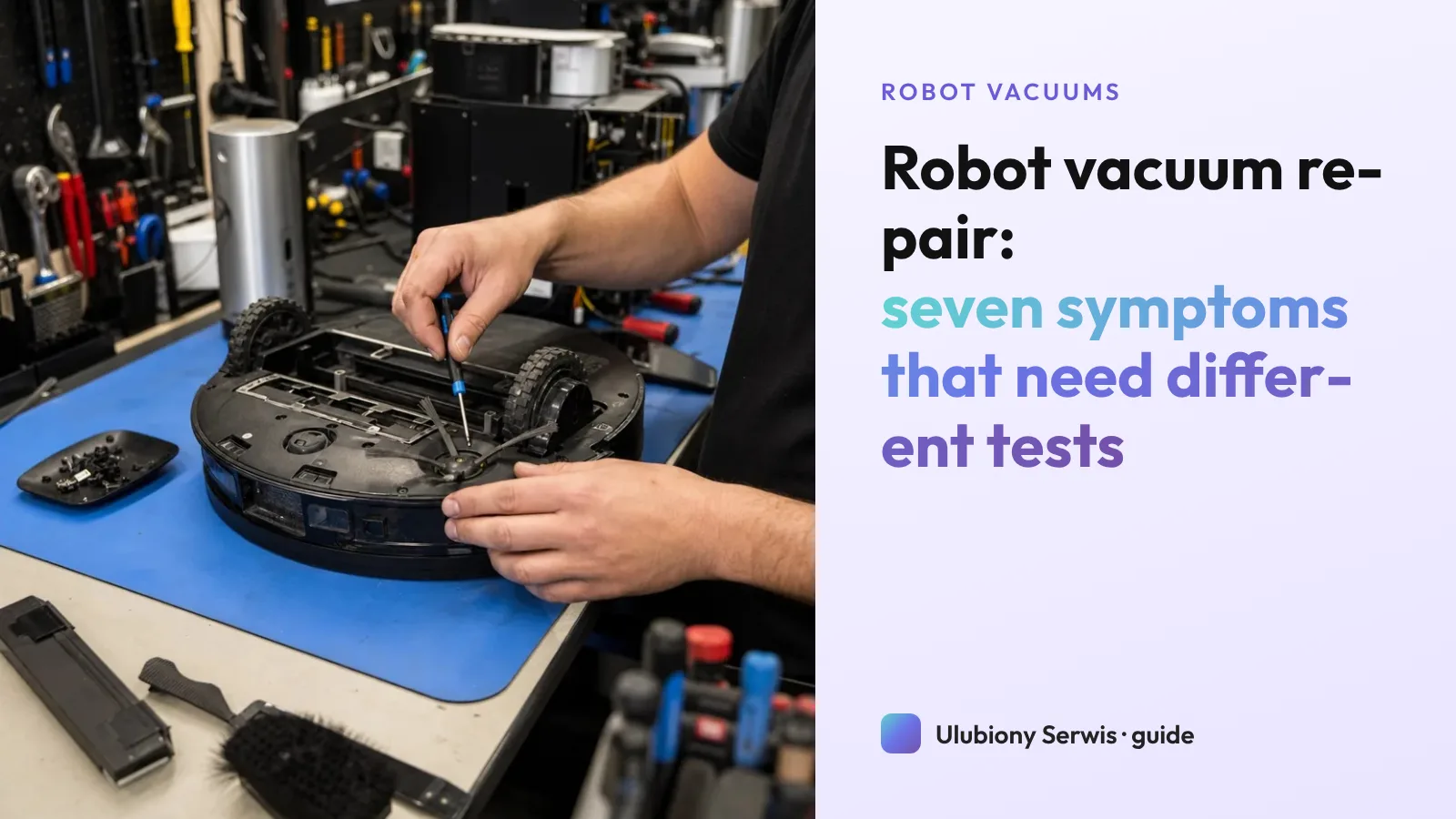
Robot vacuum repair: seven symptoms that need different tests
The short answer
IN BRIEF A robot vacuum repair starts with an exact symptom and the full model, because charging, navigation, drive, suction, mopping and station functions are separate paths. You can check the user-serviceable parts, settings and cleanliness of the accessible sensors. You should not open the battery, dry a robot with liquid damage using heat, or repeatedly start a device that makes an unusual sound.
What the user sees
First, name the function that has stopped working. "The robot is broken" does not tell us whether the test will need the robot alone, the station, the charger or the whole set.
- the robot does not start charging or stops charging quickly;
- it does not return to the base, although it can start cleaning;
- it loses the map, spins round or does not recognise the room;
- one wheel or brush does not work;
- suction power has dropped even though the user-serviceable parts are clean;
- the mop stays dry or the station does not handle water;
- the device does not switch on after liquid damage or an impact.
What you can safely check
- check the full model of the robot and station and note the version of the set;
- remove dirt from the accessible parts as described in the manual;
- check the app settings and note the error message;
- record how the robot behaves with the station, without forcing repeated attempts.
What could be the cause
The same robot combines mechanics, electronics, software and communication with the station. Diagnosis must confirm which layer is causing the symptom.
- a worn consumable part or a mechanical blockage;
- a fault in the wheel drive, brush or fan motor;
- a problem with the battery, contacts or charging circuit;
- an incorrect reading from a sensor or the navigation module;
- a fault in the water system, pump or valve;
- an electronics fault in the robot or station.
When to stop using it
SAFETY Stop using the device after liquid damage, or if the battery is swelling, there is a chemical smell, overheating, sparking or the drive jams loudly. Do not charge a device whose battery or casing has been deformed.
Does a repair make sense?
An assessment of whether a repair is worthwhile should take into account the model, the value of the complete station, and the condition of the battery, drives and electronics. A single module in a well-maintained robot has different prospects from simultaneous problems with the battery, navigation and station.
DECISION RULE We compare the full cost with a device with similar functions. A single confirmed fault and the good condition of the other assemblies speak in favour of a repair; several independent faults require further assessment.
How the repair works
- reproduction of one precisely described symptom;
- a test of the relevant system and the parts that may affect the result;
- a quote for the full scope, including whether the station is needed;
- a final check covering a test run, docking or the mopping function.
What to include in your request
- the full model from the rating plate and, where applicable, the designation of the station, power adapter or accessory;
- a description of when the main symptom occurs: the robot does not start charging or stops charging quickly;
- a short video of the whole scenario, a photo of the message and of the parts needed to reproduce the fault;
- whether the symptom is constant or intermittent, and what happened immediately before it appeared;
- the history of previous repairs, water damage, power surges, drops or use of an incompatible accessory.
FAQ
Do I need to send the station to the repair service?
Only if the symptom concerns charging, docking, emptying, washing, drying or communication with the station. Confirm what to send.
Will resetting the map fix the robot?
It may clear a data or settings error, but it will not fix a sensor, the drive, the power supply or the electronics.
Does the error code point to a specific part?
It usually points to the area to check. Confirming the cause requires observing the behaviour and testing the specific model.
Next step
Give us the robot and station model, choose one main symptom and attach a video. The system will show which items of the set are needed for diagnosis.