How to service a robot vacuum so it lasts longer
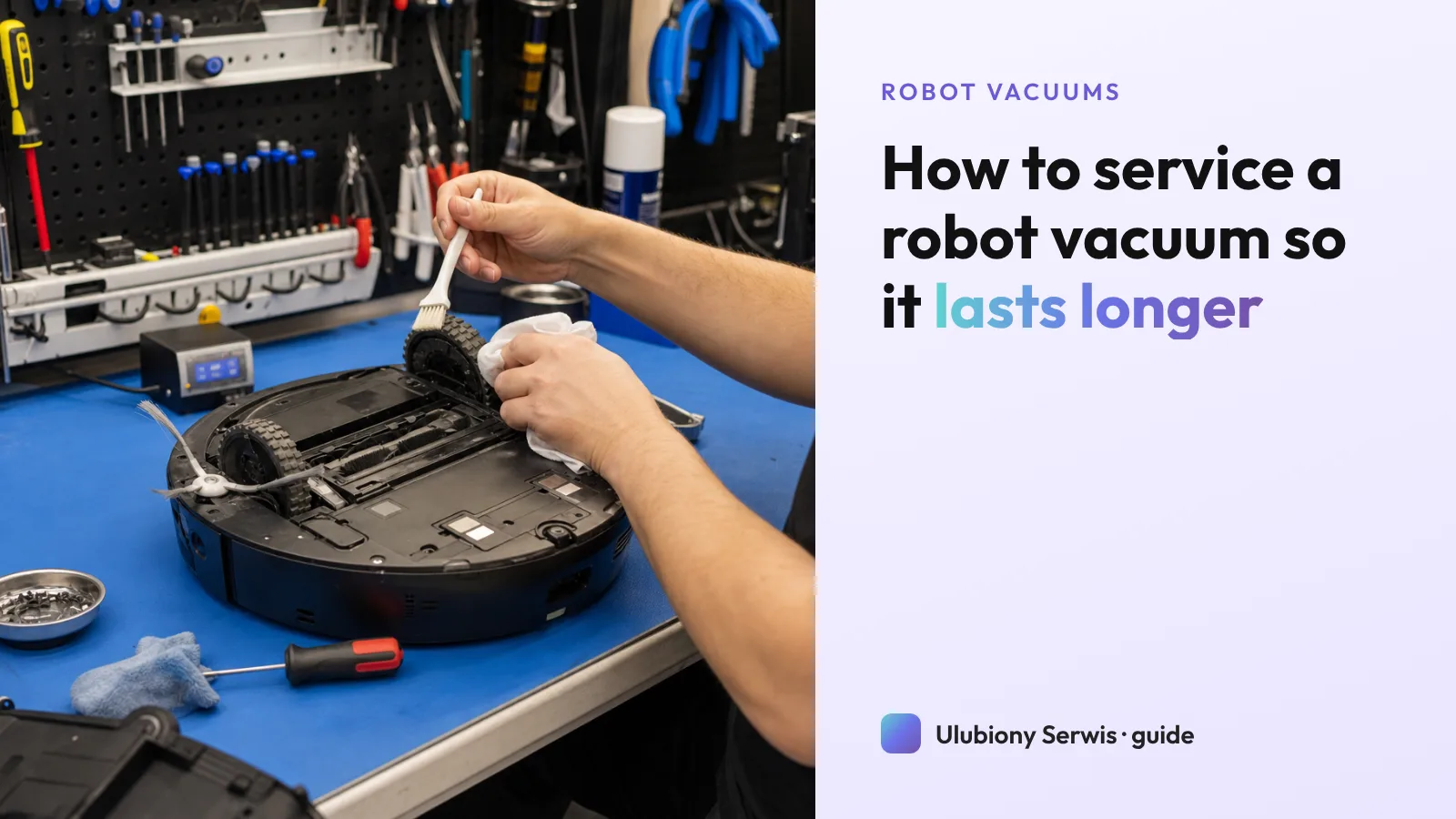
Robot vacuums are increasingly popular devices that make everyday household chores easier. However, for them to last as long as possible, they need regular maintenance and servicing. Find out how to service a robot vacuum so it lasts longer, and what steps to take to keep its performance at a high level.
Why is robot vacuum maintenance important?
Like other electronic devices, robot vacuums need regular maintenance to work efficiently for many years. Regular cleaning and servicing helps prevent breakdowns, maintains the device's performance and extends its life. Without proper care, a robot vacuum can quickly lose efficiency, and repairing it can be costly.
How often should a robot vacuum be serviced?
How often a robot vacuum needs servicing depends on several factors, such as the model, how often it is used and the type of surfaces it cleans. In general, we recommend:
- Daily: Emptying the dust bin and checking the brushes.
- Weekly: Cleaning the filters and checking the brushes more thoroughly.
- Monthly: Thoroughly cleaning all parts, including the sensors.
- Every few months: Replacing worn parts such as brushes and filters.
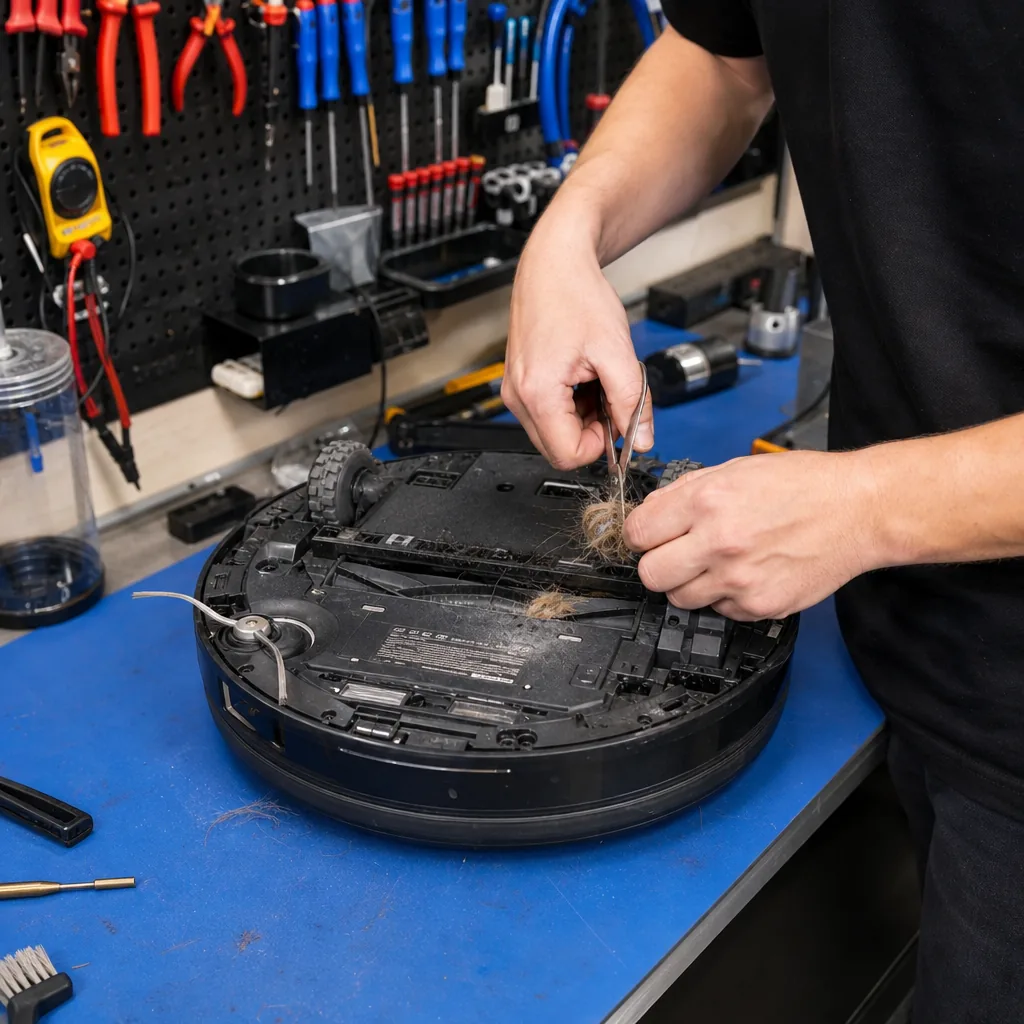
Daily maintenance
Emptying the dust bin
One of the most important daily tasks is emptying the dust bin. Even if the robot has a large capacity, it's worth doing this regularly to avoid overfilling, which can reduce cleaning efficiency. After emptying, the bin can be rinsed with water to remove any remaining dust and dirt.
Checking the brushes
A robot vacuum's brushes are key to picking up dirt and dust effectively. Check them every day for tangled hair, threads or other debris. If necessary, remove it by hand or with the special brush cleaning tool that is often included in the box.
Weekly maintenance
Cleaning the filters
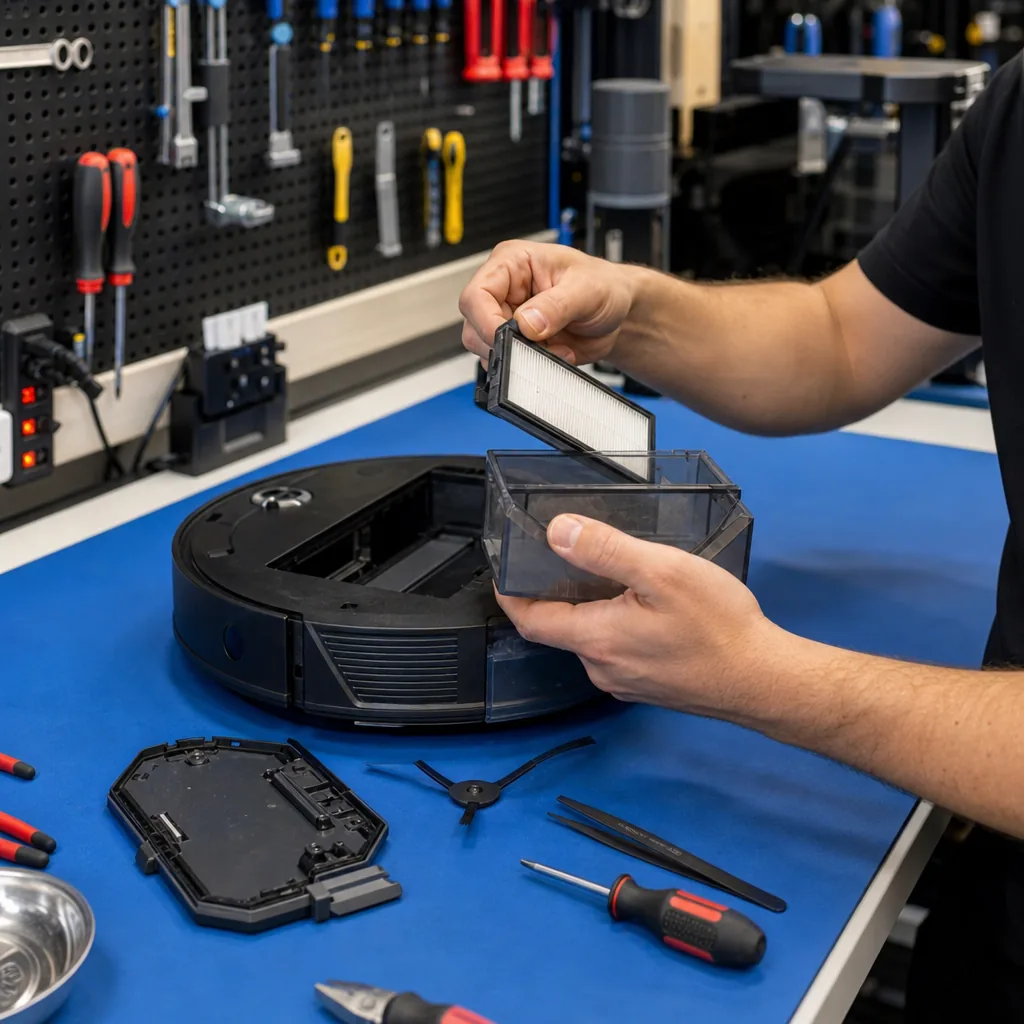
The filters in robot vacuums are designed to trap fine dust particles and allergens. To keep them effective, clean them at least once a week. Filters can be tapped out, rinsed with water (if the manufacturer allows it) and left to dry before refitting.
Checking the brushes thoroughly
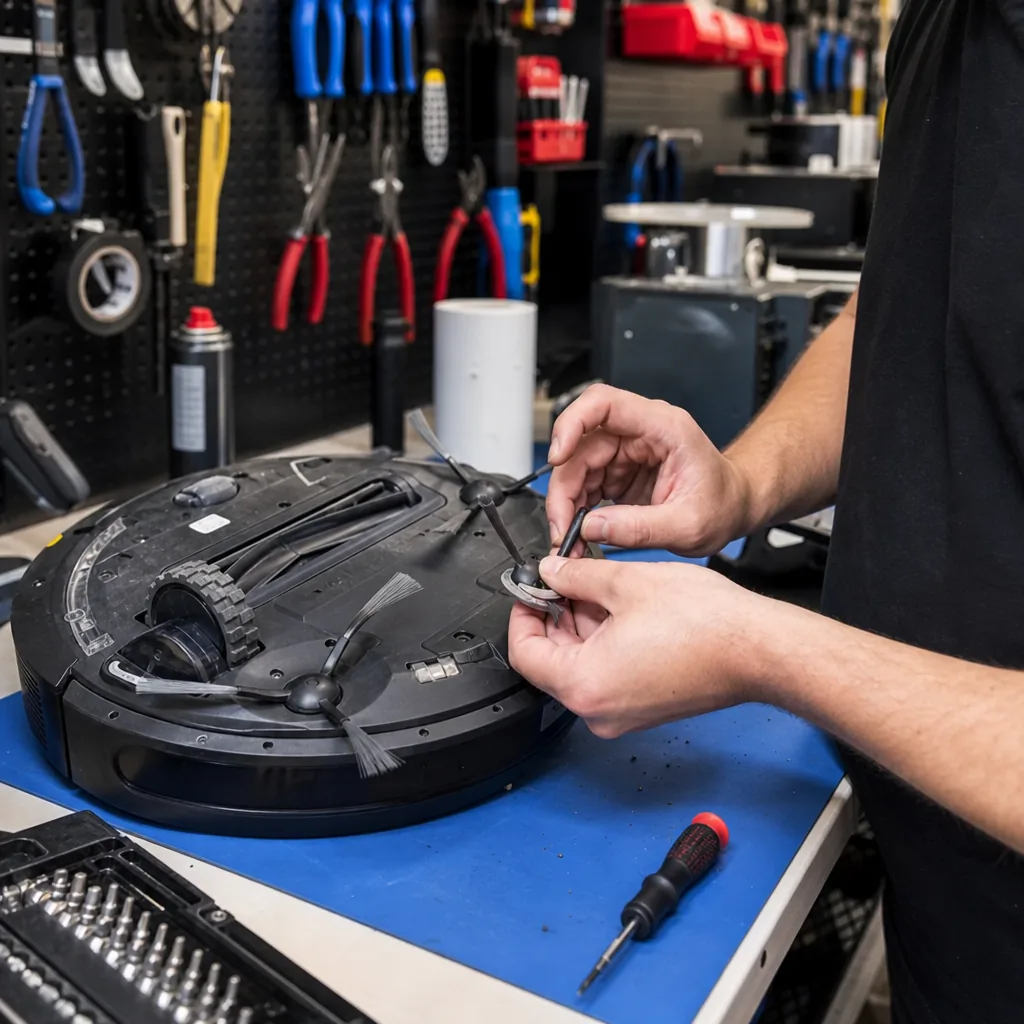
As well as the daily check, it's worth cleaning the brushes thoroughly once a week. Remove them from the robot and clear away any tangled hair and debris. Some models have replaceable brushes that are easy to remove and replace when needed.
Monthly maintenance
Thoroughly cleaning all parts
Once a month it's worth spending more time cleaning all the robot's parts thoroughly. As well as the dust bin and brushes, clean the wheels, sensors and other parts that can get dirty during use. Use a soft cloth and gentle cleaning products so as not to damage delicate parts.
Cleaning the sensors
A robot vacuum's sensors are responsible for finding its way around and avoiding obstacles. Dirty sensors can lead to navigation errors and inefficient cleaning. Wipe the sensors regularly with a soft, dry cloth to remove dust and dirt.
Replacing parts
Replacing the brushes
A robot vacuum's brushes wear out over time and lose their effectiveness. The manufacturer usually specifies after how many hours of operation they should be replaced. Replacing the brushes regularly ensures more effective cleaning and reduces the risk of damage to other parts of the robot.
Replacing the filters
HEPA filters and other filters used in robot vacuums also have a limited life. Replace them as recommended by the manufacturer to ensure effective air filtration and maintain a high level of hygiene at home.
Troubleshooting robot vacuum problems
The robot won't switch on
If your robot vacuum won't switch on, check whether it is charged. Make sure the docking station is working properly and that the robot is correctly placed on the charger. If the problem persists, contact a technical repair service.
The robot stops working mid-cycle
Sometimes a robot may stop working because of a full dust bin, tangled brushes or dirty sensors. Regular maintenance helps avoid these problems. If the robot still keeps stopping, check whether there are any obstacles in its way.
Navigation problems
If your robot has navigation problems, the cause may be dirty sensors or damaged wheels. Clean the sensors regularly and check the condition of the wheels to ensure the robot moves smoothly around your home.
Storing a robot vacuum
Storing in a dry place
A robot vacuum should be stored in a dry place, away from sources of moisture. Moisture can damage the device's internal components and shorten its life.
Avoiding extreme temperatures
Don't store the robot where it will be exposed to extreme temperatures, whether too high or too low. Extreme temperatures can have a negative effect on the battery and other electronic parts of the robot.
Tips for using a robot vacuum
Setting a cleaning schedule
Most robot vacuums let you set a cleaning schedule. Regular cleaning keeps your home clean and reduces the amount of work needed to maintain the device.
Keeping your home tidy
Before starting the robot vacuum, make sure there are no large items on the floor that could get in its way. Remove cables, toys and other items that could get tangled in the robot's brushes.
Using virtual walls and zones
Many robot vacuums have virtual wall and zone functions that let you limit the cleaning area. Use these functions to protect delicate items and direct the robot to the places that need cleaning most.
Benefits of regular maintenance
A longer device life
Regular maintenance of a robot vacuum significantly extends its life. When all components are looked after, the device works more efficiently and needs repairs less often.
Better cleaning performance
Clean brushes, filters and sensors mean better cleaning performance. A robot that is maintained regularly is better at picking up dust and dirt, which means a cleaner home.
Cost savings
Prevention is cheaper than repair. Regular cleaning and replacement of worn parts reduce the risk of serious breakdowns that can be costly to repair.
By maintaining your robot vacuum regularly, you can significantly extend its life and improve its performance. Remember to empty the dust bin daily, clean the filters weekly and thoroughly clean all parts monthly. Replace worn brushes and filters as recommended by the manufacturer, and if problems arise, contact a technical repair service. With these simple steps, your robot vacuum will serve you for many years, keeping your home clean and comfortable.
MORE TIPS