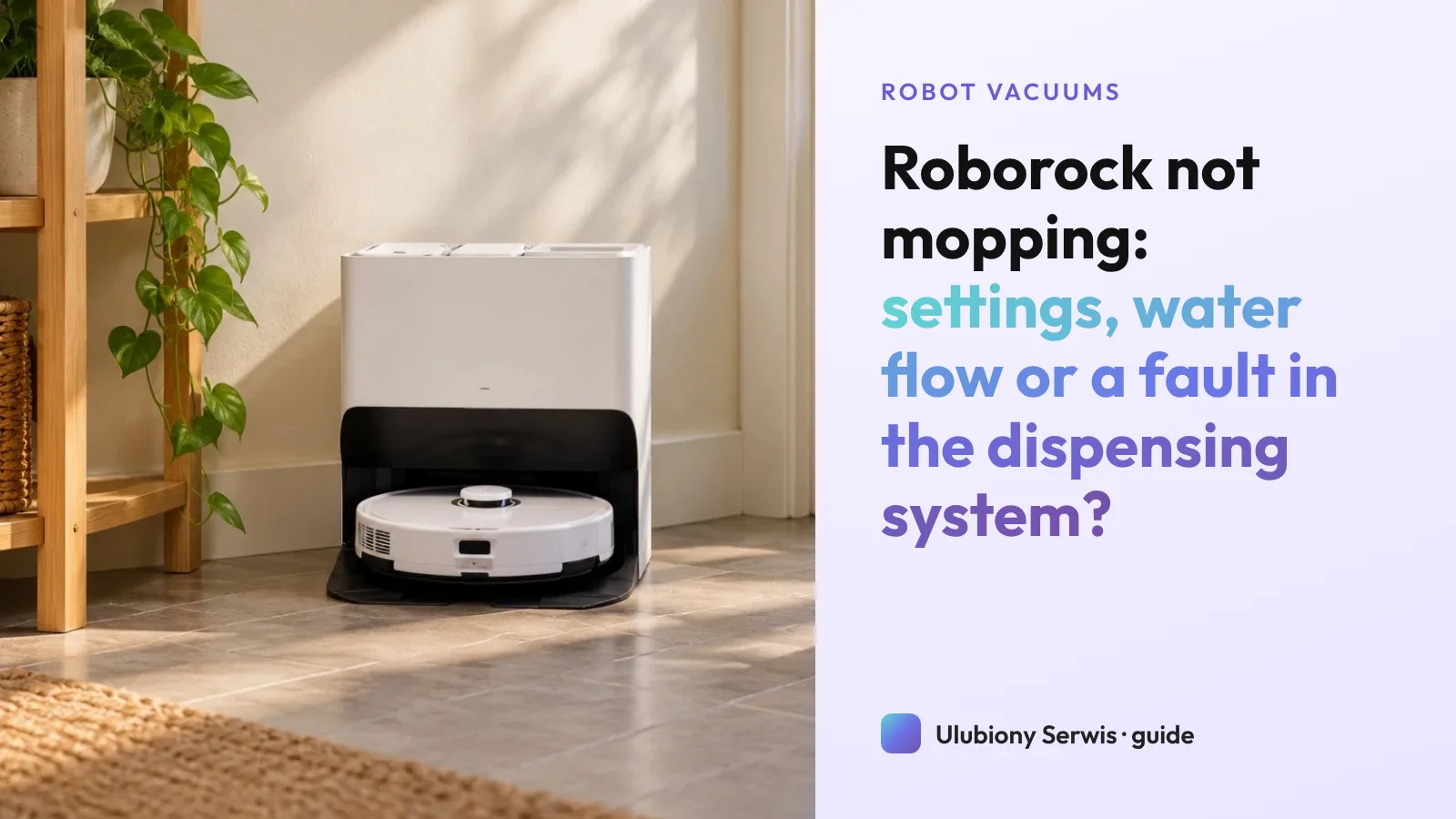
Roborock not mopping: settings, water flow or a fault in the dispensing system?
The short answer
IN SHORT When a Roborock is not mopping, first confirm whether the device recognises the module, has water dispensing switched on and whether the user-serviceable parts are fitted correctly. If the mop stays dry despite the correct configuration, the cause may lie in the flow, pump, valve, sensor or electronics. Do not blow out the channels at high pressure or apply voltage to the pump outside the device.
What the user sees
Distinguish between the module not moving and no water. The robot may make a mopping pass without dispensing liquid, or not recognise the kit at all.
- the cloth stays completely dry after a pass;
- water is dispensed unevenly or only at the beginning;
- the app does not recognise the module or does not let you set water dispensing;
- the tank stays full even though mopping mode is active;
- water appears under the robot instead of on the mop.
What you can safely check
- confirm the correct mode and water level in the app;
- check that the tank, module and cloth are fitted according to the manual;
- clean only the accessible parts specified by the manufacturer;
- do a short test run on a water-resistant surface.
What could be the cause
No water may be due to configuration, restricted flow or damage. The diagnosis should confirm each stage of the liquid's path.
- settings, or the module not being recognised;
- dirt in an accessible outlet or filter;
- a leaking tank or connection;
- a faulty pump, valve or hose;
- a problem with a sensor or the water system control.
When to stop using it
SAFETY Disconnect the robot if water gets into the electronics compartment, the device has been flooded or the battery housing is wet. Do not charge the robot before a full assessment after water damage.
Does a repair make sense?
Repairing the water system makes sense when navigation, drives, battery and station work reliably. If there are also problems with charging or electronics, the full scope should be assessed before you accept the quote.
DECISION RULE We compare the full cost with a device with similar functions. A single confirmed fault and the good condition of the other assemblies speak in favour of a repair; several independent faults require further assessment.
How the repair works
- module recognition and settings test;
- leak and flow check from the tank to the mop;
- measurement of actuators and control;
- final run checking that the mop is moistened evenly.
What to include in your request
- the full model from the rating plate and, where applicable, the designation of the station, power adapter or accessory;
- a description of when the main symptom occurs: the cloth stays completely dry after a pass;
- a short video of the whole scenario, a photo of the message and of the parts needed to reproduce the fault;
- whether the symptom is constant or intermittent, and what happened immediately before it appeared;
- the history of previous repairs, water damage, power surges, drops or use of an incompatible accessory.
FAQ
Can you unblock a Roborock with compressed air?
It is not a safe universal method. It can loosen hose seals or push dirt deeper.
Do I need to send the station?
If the station fills the tank or handles water, it may be needed. With a simple module, the decision depends on the model and the symptom.
Can no mopping be an app error?
Yes, which is why the settings and module recognition are checked before hardware diagnosis. However, a recurring lack of flow requires testing the device.
Next step
Tell us the Roborock model and the type of tank or station, and say whether the app recognises the module. Attach a video of a short run.